Anchorages and quiet bays
Keep the peaceful places where you would happily spend another evening next year.
Your photos remember where the good places were
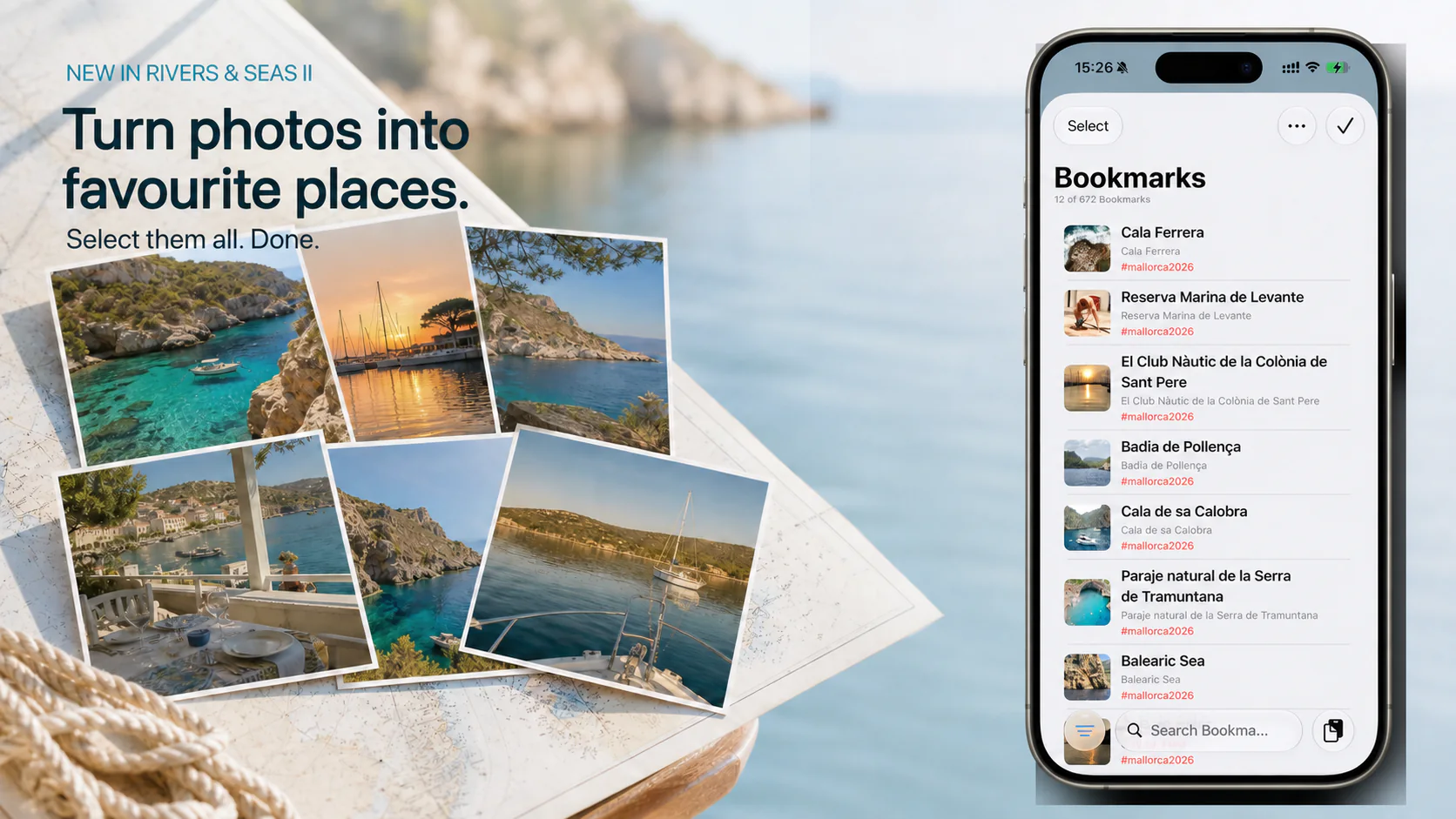
That peaceful anchorage from last summer. The restaurant right by the water. The view you want to find again next year. Simply select your favourite photos—Rivers & Seas groups them by where they were taken and places the right bookmarks on your map.

Find it again next year
Photos do more than show what a place looked like. Many iPhone photos also remember where they were taken. Rivers & Seas uses that location to build your own personal travel map.
Keep the peaceful places where you would happily spend another evening next year.
Return to the waterside terrace, small harbour, or starting point for a memorable day out.
Save landmarks, special views, and your favourite photo spots for the next trip.
Not only for happy memories
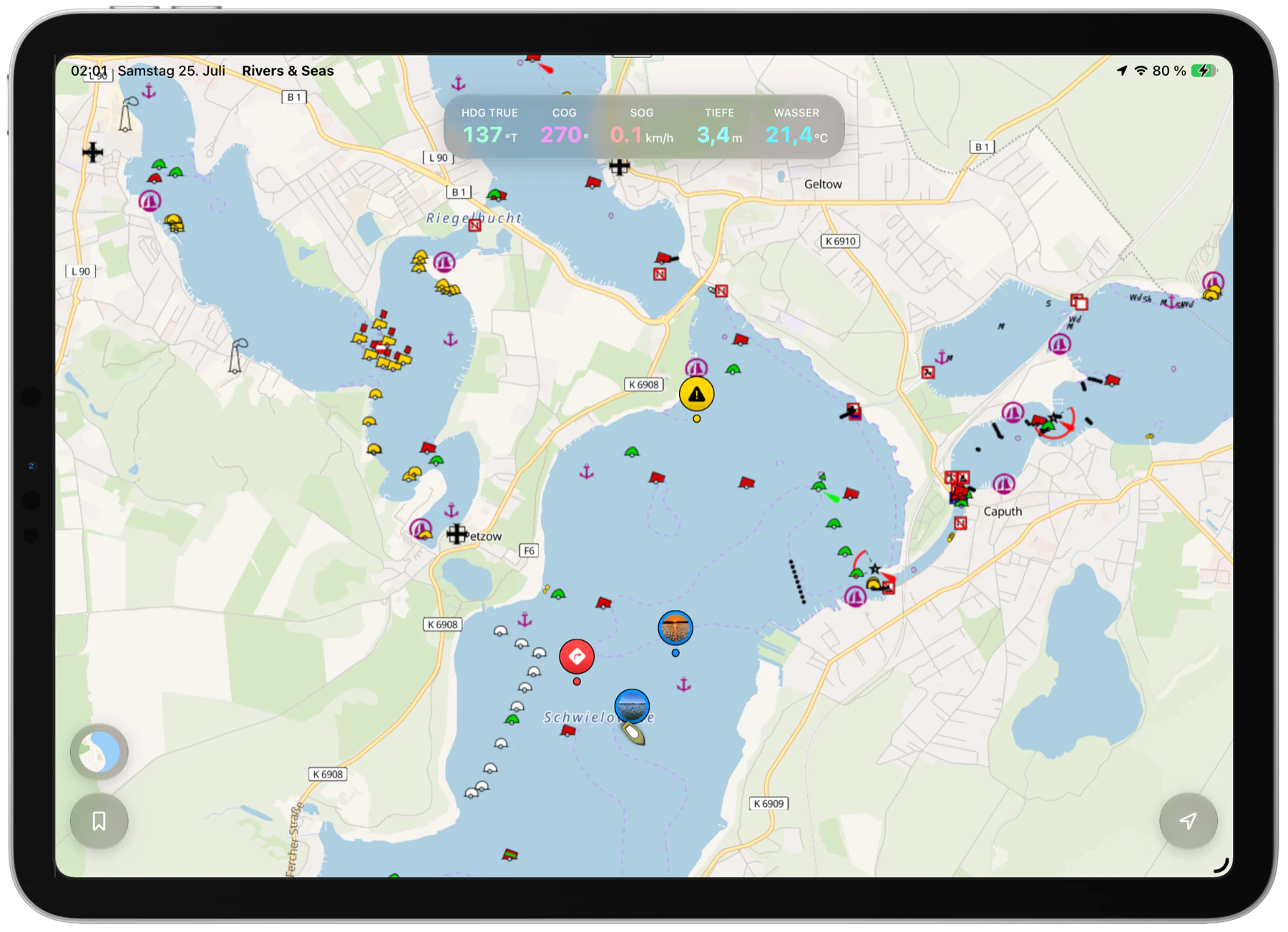
Photograph a shallow spot, a hard-to-see entrance, an obstruction, or an important notice ashore. The photo becomes a bookmark at its recorded location. Add a short note and mark it as a warning or navigation place—then it will be waiting on your map the next time you pass.
Your personal reminders make places easier to recognize. They do not replace current charts, official information, or a proper lookout.
Many photos. Very little work.
Select all the relevant photos together, in any order. Rivers & Seas uses their recorded locations to work out which pictures belong together and prepares the bookmarks for you.
Select every picture whose place you would like to find again.
Share or open the selection with Rivers & Seas, or choose the photos from inside the app.
Add names, notes, or tags if you wish. Your places are then ready on the map.
For an accurate bookmark, the photo needs to contain a recorded location. Your original photos remain unchanged.
Open the step-by-step guideYour personal map stays yours
The public beta is free. The finished app is planned at one fixed purchase price for every feature, including photos, bookmarks, and synchronization.
Your next trip starts with the last one
Rivers & Seas is available as a public beta for iPhone, iPad, Mac, and Apple Watch. The large Mac display is especially comfortable for arranging and preparing your personal map.