Plan on a large display
Tracks, tides, bridges, and locks are especially easy to check with more room.
Your large map knows where the boat is
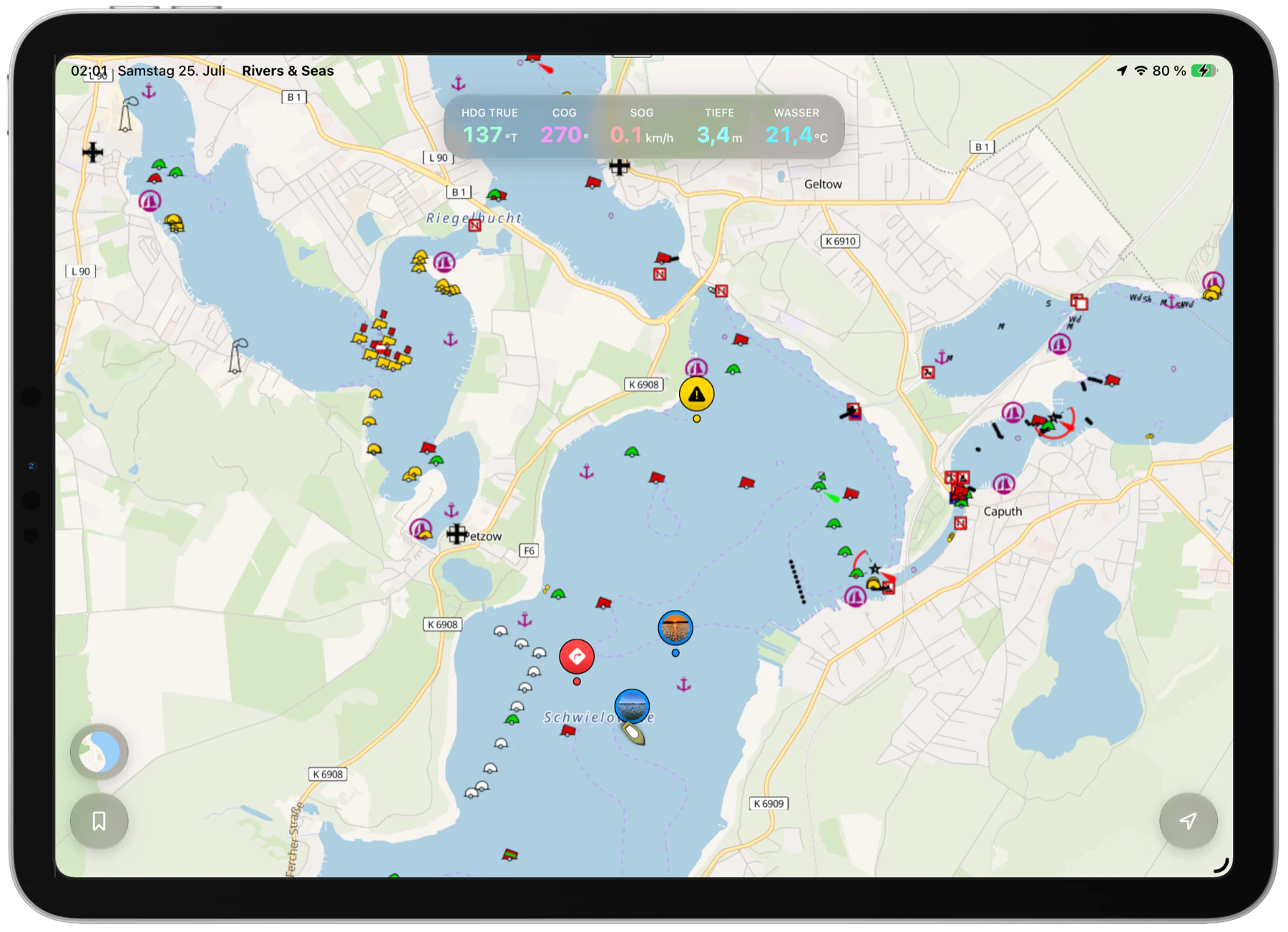
Use a Wi-Fi-only iPad at the helm as a large, clear map. Rivers & Seas receives position, speed, and course directly from the iPhone, so you need neither a cellular iPad nor another GPS receiver. It works the same way on Mac, making the large display useful for planning at home and as a map aboard.

More room without another device
A Mac gives you room to prepare a Track, bridges, locks, and departure times comfortably. Aboard, you can continue on the same large display. The iPhone supplies the live position even though the Mac or a Wi-Fi-only iPad has no GPS.
Tracks, tides, bridges, and locks are especially easy to check with more room.
The iPhone continuously supplies the Mac or iPad with position, speed, and course.
There is no separate Bluetooth GPS receiver to purchase, charge, mount, or pair.
Made for a relaxed day on the water
Rivers & Seas shows the iPhone’s position as a green device marker on the large map and uses its speed and course over ground. The iPhone can be locked or showing another app. On a longer trip, keep it powered and somewhere with a clear view of the sky.
An iPad prefers its own compass. A Mac has no compass, so it receives the available direction information from the iPhone.
No device picker, number code, or Bluetooth menu.
Open Rivers & Seas on both devices. The iPhone makes its position available; the iPad or Mac searches and connects. Your position stays inside the local network, and the transfer works without an internet connection.
Set location access for Rivers & Seas to “Always” and allow access to the local network.
At “Use the iPhone’s Position”, tap “Allow Device Search”, then confirm the system request.
The large map finds the iPhone automatically. The green device marker shows that its position is in use.
You remain in control. A future Profile setting will let you switch sending on iPhone and receiving on iPad or Mac on or off.
Open the step-by-step guideNo accessory subscription. No app subscription.
The public beta is free. The finished app is planned at one fixed purchase price, including position sharing from iPhone to iPad or Mac.
Large map. No extra device.
Install Rivers & Seas on the iPhone and on your iPad or Mac, then try automatic position sharing directly.