

See proven passages, not a tangle of lines
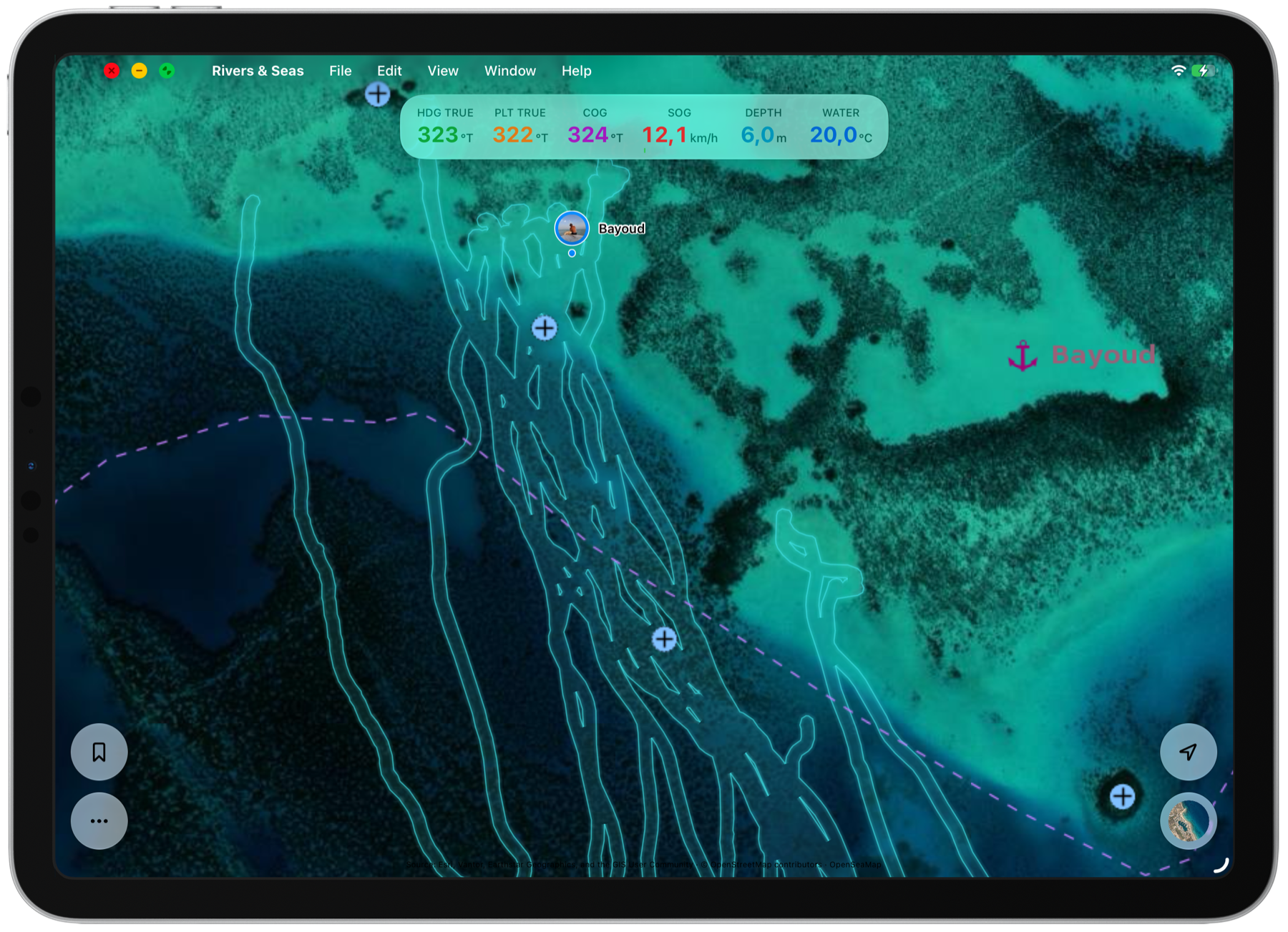
Cruise the same difficult entrance several times and you soon collect many nearly identical Tracks. Individual lines overlap and make the chart harder to read.
Rivers & Seas combines the Tracks you trust into one shared area. Junctions, alternatives, and gaps remain visible, while the clutter of individual lines disappears.
Mark a Track as safe to navigate
Open a Track you have cruised with your boat or received from an experienced person. Turn on “Safe to navigate” when you trust the passage and its source.
The corridor is then rebuilt automatically. You do not have to draw an area or clean up overlapping lines yourself.
- Open the collection and select the Track.
- Check its course, source, and suitability for your boat.
- Turn on “Safe to navigate” in the Track details.
- Return to the chart. Rivers & Seas automatically adds it to your personal corridor.
Use a proven passage from friends
In an unfamiliar coastal area or a complex inland section, an experienced journey can be more valuable than a theoretical line. Import the GPX Track, review it, and mark it safe to navigate.
It then adds to your corridor exactly where your own experience is still missing. The individual Track can remain hidden afterwards.
Every good journey makes the chart more complete
Further Tracks marked safe to navigate are automatically joined with the existing corridor. Identical courses are not stacked repeatedly, while new alternatives and missing sections expand the shared area.
Over time, this creates your personal chart of proven passages, useful on the coast and on lakes, rivers, and canals.
Hide individual Tracks and keep the corridor
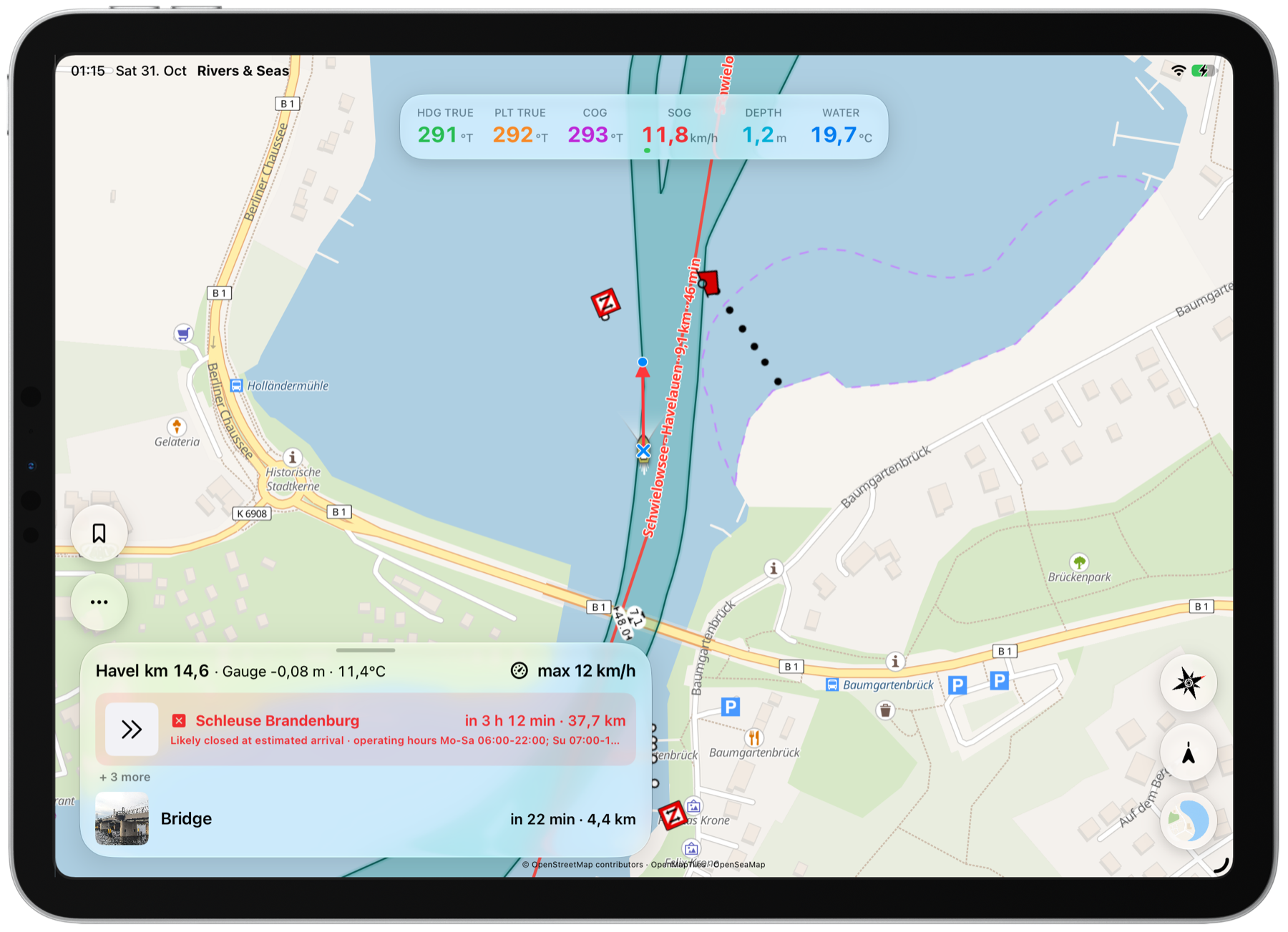
Displaying an individual Track and displaying your personal corridor are independent. Hide old journeys from the chart while keeping the calm overview of the passage they created.
The corridor is available on iPhone, iPad, and Mac, and is also displayed on Apple Watch.
What “safe to navigate” means
The corridor shows past journeys you trust for your boat. It does not guarantee the current depth or that the passage is clear today.
Water levels, silting, works, closures, weather, and traffic can change. Continue to check the current chart, notices, and the actual situation around you.